


For trainers with in-person clients
More coaching.Less chaos.
Clients, appointments, sessions and progress in one place. See what is next and prepare each session without searching calendars, notes and conversations.- Clients needing attention
- One-screen client review
- A clear next action
Thursday, 8 October · demo day
Your day, under control.
Payments, balances and history
Know where your money is.
ReceivedRON 6,600.00
ExpectedRON 7,200.00
Select a month for exact values.
PRIVATE BETA · FEEDBACK IN PROGRESS
The early signals are good. There is room for honest feedback.We are not claiming a large customer base. A small cohort is using Atlas, we are improving it from real use, and we are inviting trainers who want to test alongside us.
Join the betaHOW YOU START
Start simply, with one client.
Set up your space, send the invitation and keep coaching in the same place.

- 01
Set up your Trainer workspace
Add your profile, working hours and the way you organize clients.
- 02
Send the client invitation
Use the link or QR code; your client enters their own Atlas space.
- 03
Keep coaching in one place
You prepare the plan and appointments, while the client sees what to do and records progress.
Product proof · fictional data
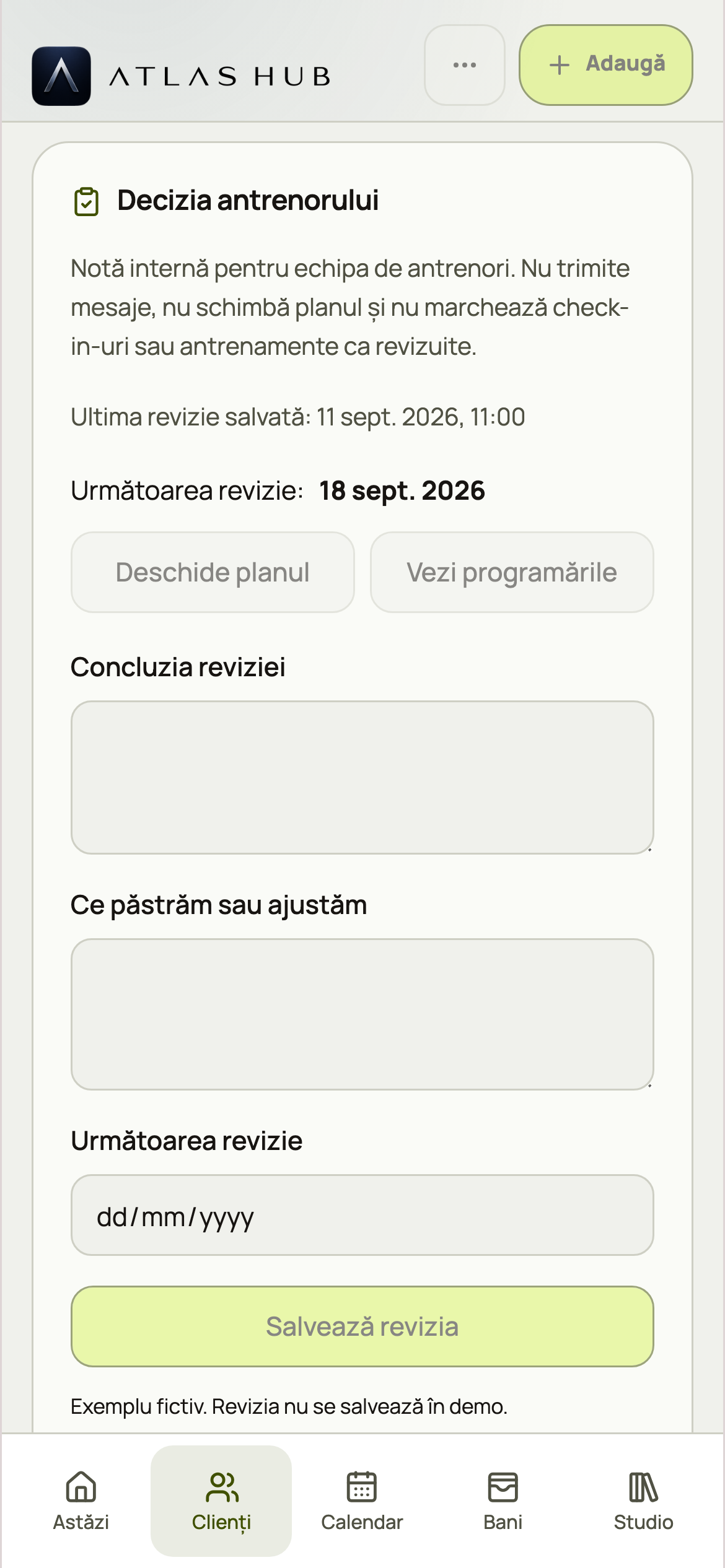
Review the client in one screen.
Stop reconstructing the week from chats, sheets and screenshots. Atlas places client signals beside the plan and keeps the Trainer's decision explicit.- Relevant context instead of another crowded dashboard
- The decision and next step stay visible
- The client receives one clear version of the plan


What your client receives
You prepare the coaching.Your client sees exactly what to do.
In the private space opened through your invitation, clients see appointments, their plan, workouts, progress and relevant guidance. The Meal Journal appears only when you enable it.- 01You send the invitation
- 02Your client enters their private space
- 03You track progress together


Today and attention queue
See your schedule, exceptions and the clients worth returning to.
Client Review
Check-ins, workouts, progress, meals, sleep and conversations in one review.
Plans and execution
Build reusable programs, prescribe sessions and track what was performed.
Visual feedback
Receive progress photos and technique clips inside the private coaching relationship.
Calendar and money context
Manage availability, appointments and amount records without payment processing.
Reusable Studio
Keep exercises, resources and workflows you use across clients.
Questions before you join
No hidden promises.
Is it free?
Yes. Access is free during the private beta, after approval. No card is required.
Do my clients pay?
Not during the beta. They enter the private space only through a Trainer invitation.
Does Atlas impose a methodology?
No. Atlas organizes context and execution; the Trainer decides the method, plan and every adjustment.
The original Atlas dashboard
From the first version of Atlas
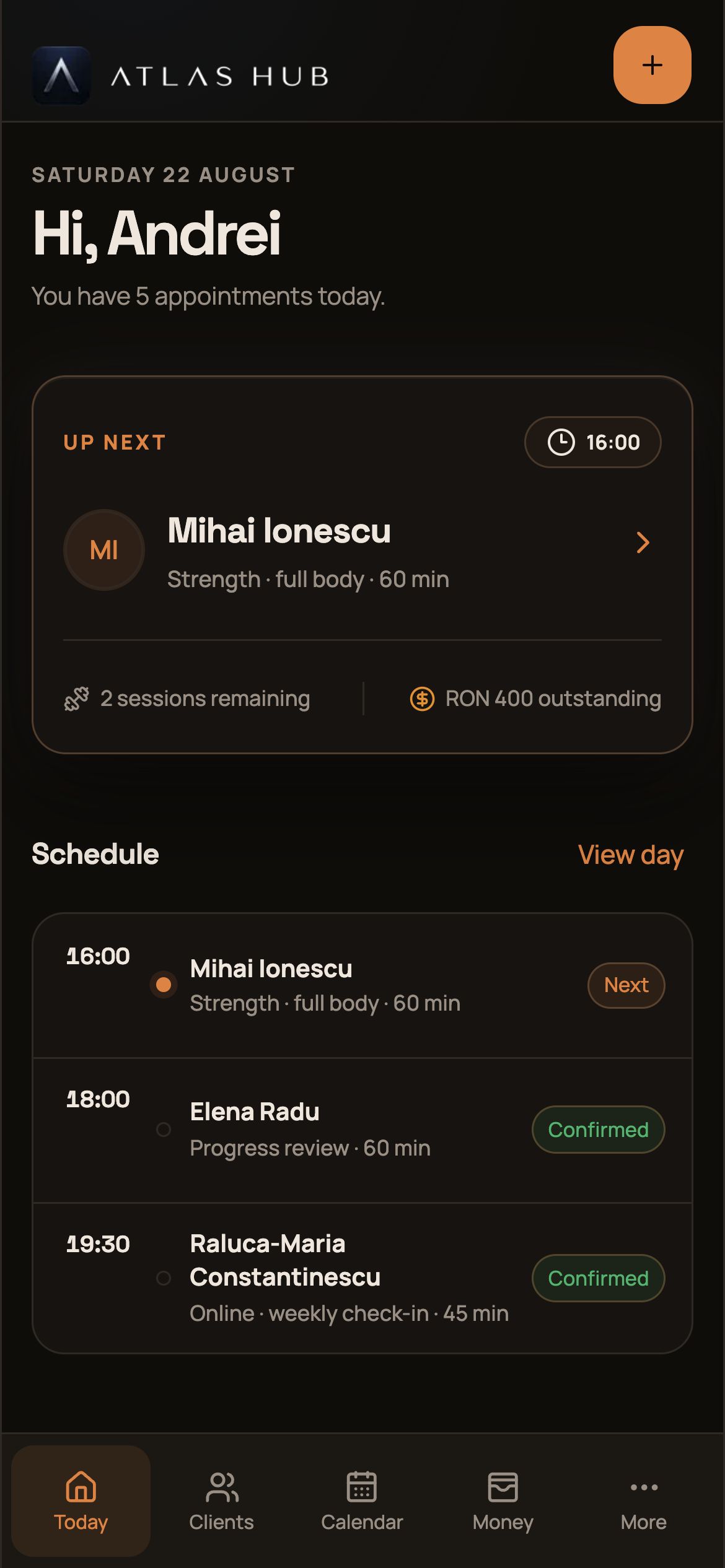
Your schedule and payments. At a glance.
This was the original dashboard: today's sessions, collected payments and outstanding amounts. The same essentials, now in the new design.
Select the calendar or payment amounts in the screenshot to explore the current demo.
Private beta
Start with one client. See whether Atlas changes your week.
Create your Trainer account and request beta access. It is free at this stage and no card is required. Access is free during the current stage, after approval. No card is required. Clients join only through an invitation from their Trainer.